Why ordinary notetakers don't fit client work
Coaching and consulting sessions cover careers, health, money and deals that aren't public yet. Many AI notetakers send them to a vendor's servers or join as a bot, and notes by hand pull your attention from your client. Goodmeet, the AI meeting notetaker from Good Systems, created by the team behind Goodnotes, takes the notes without either problem.
Test any notetaker with our AI notetaker privacy checklist.
Nothing joins the call
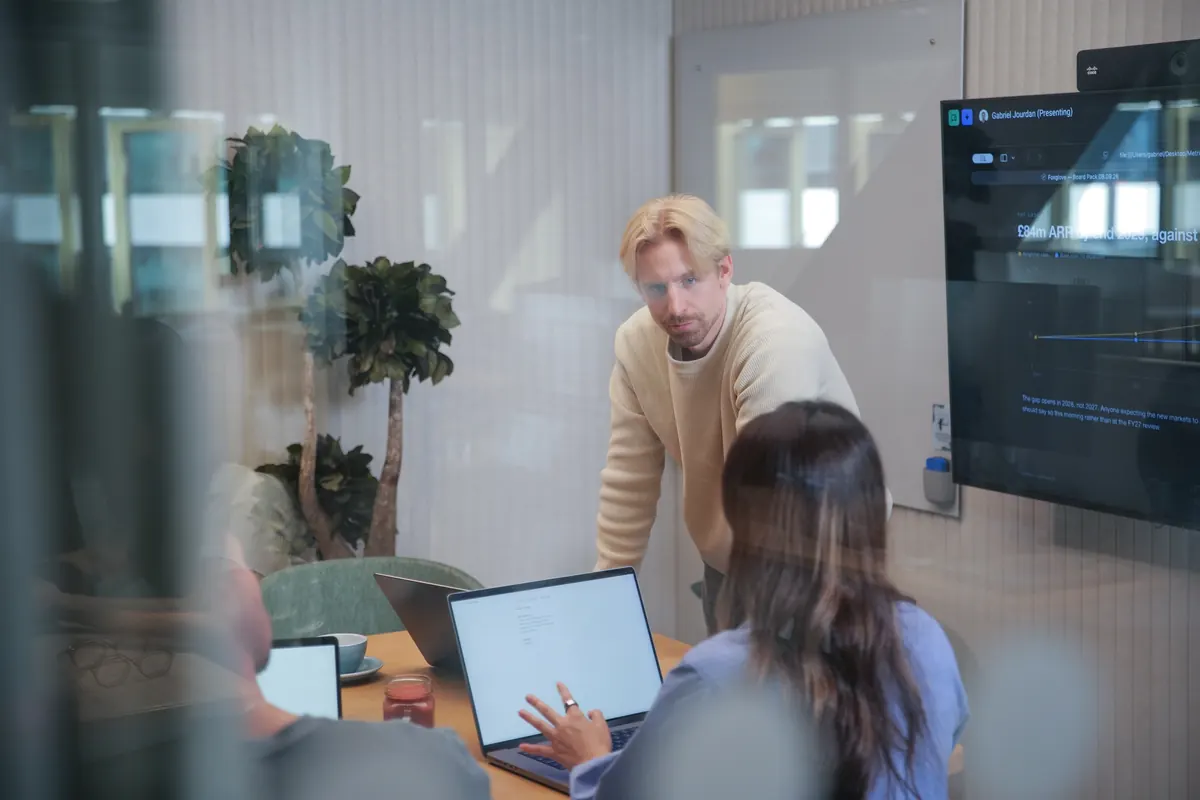
Goodmeet transcribes the session on your computer and works with Zoom, Google Meet, Microsoft Teams and any other call. Since nothing announces it, tell your client you're taking notes:
“I take notes with an app that transcribes on my laptop. Nobody else can read them, not even the company that makes it. Is that okay with you?”


Call detected
Zoom
Follow up on what your client committed to
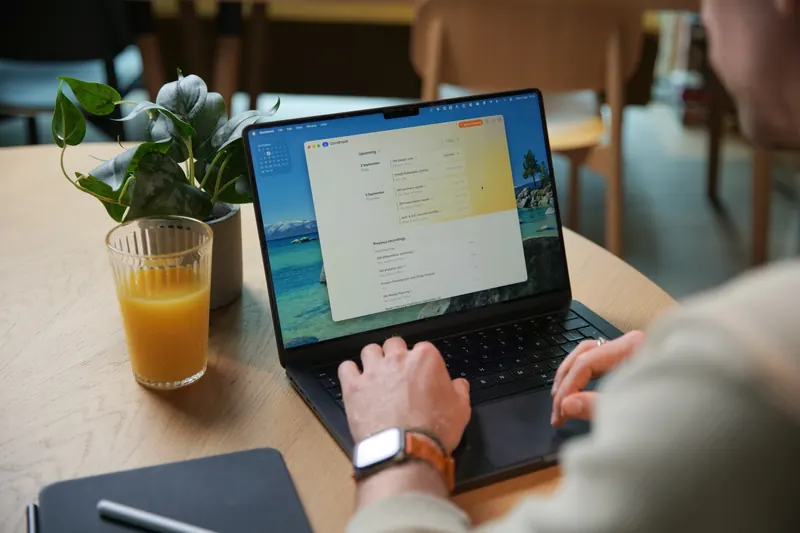
After each session, Goodmeet writes a summary with your client's next steps, like the note at the top of this page.
- Start Goodmeet when the session begins, and jot notes if you like.
- Ask for a summary when the session ends.
- Refine it with what only you noticed, like where your client hesitated.
- Share just the summary through an encrypted link with a password.
In-person sessions
Put your phone on the table, press record and lock the screen. Goodmeet transcribes on the phone, and the note waits on your computer, end-to-end encrypted.

Privacy by design

No audio stored
We don't store your meeting audio. Meetings are transcribed, and the transcript is the only information source.
No model training
Your meetings are never used to train models, improve third-party systems, or build datasets
No bot in your call
Goodmeet listens through your computer's own audio, so nothing extra joins the meeting or appears in the participant list.
Nothing we can hand over
We never hold the keys to your data. Even if we were required to hand it over, all anyone would receive is encrypted content that can't be unlocked without your devices.
Frequently asked questions

Can I take AI meeting notes without sending client conversations to a vendor's cloud?
Yes. Goodmeet transcribes on your device, so your meeting audio isn't sent to anyone for transcription. Summaries are generated in confidential computing on Google Cloud in the EU, designed so nobody can read them, including Good Systems and Google. Sync is optional and end-to-end encrypted.
Is Goodmeet suitable for confidential coaching sessions?
Yes. It's built for conversations that can't leak: it transcribes on your device, doesn't store your meeting audio, and nothing joins the call. As with any recording, ask your client for consent first.
Does Goodmeet work for in-person sessions?
Yes. The iPhone app records with the screen locked and transcribes on the phone, then syncs your notes to your computer, end-to-end encrypted. Goodmeet for Android (Beta) records in the room too, and a laptop on the table works as well.
What happens to my recordings and transcripts?
We don't store your meeting audio; the transcript is the only information source. When you ask for a summary, it's processed in confidential computing and isn't kept there afterwards. With sync off, your meetings stay on that computer.
Will my clients' conversations be used to train AI?
No. Your meetings aren't used to train AI models. Summaries are generated in confidential computing, designed so nobody can read the content while it's processed, and notes you sync or share are end-to-end encrypted, with keys only your devices hold.
Can Goodmeet take notes in my client's language?
Yes, in 15 languages: English, German, French, Portuguese, Spanish, Dutch, Swedish, Russian, Finnish, Vietnamese, Japanese, Turkish, Chinese, Romanian and Korean. A session in German gets its summary in German.